Local
Google Business Profile setup for Lothian businesses
A step-by-step Google Business Profile setup for businesses in Edinburgh and the Lothians: claim it, verify it and fill it in properly in half an hour.
 Ben Harvie4 min read
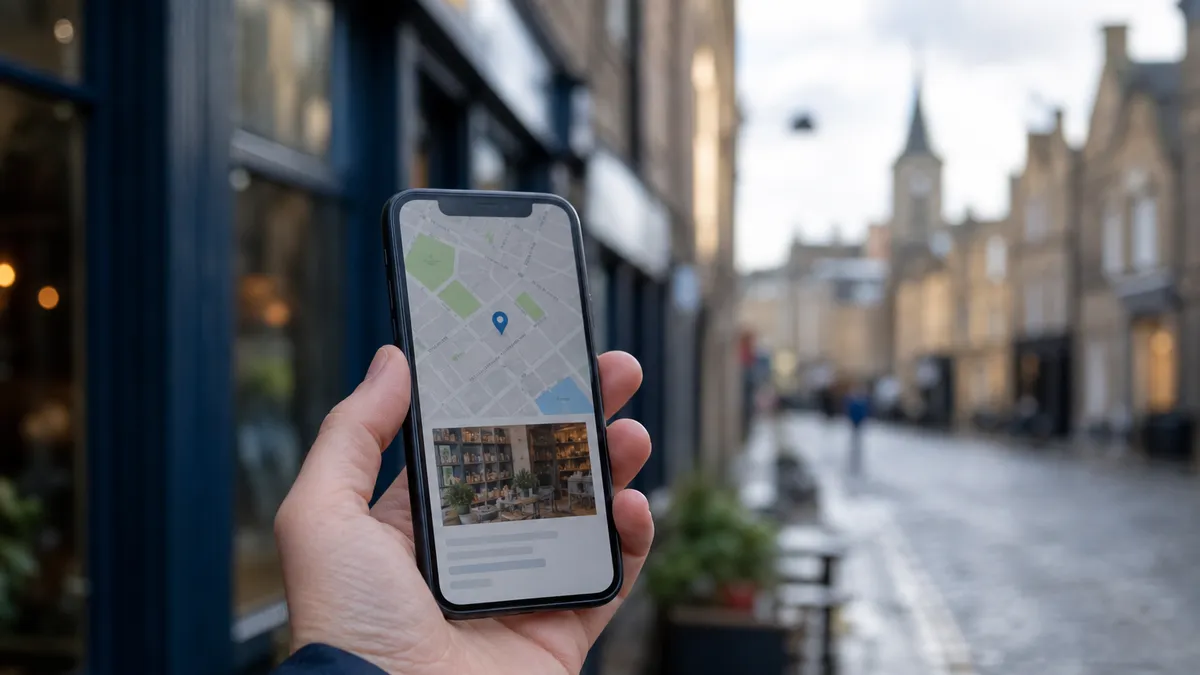
If you run a business in Edinburgh or the Lothians and you only have time to do one thing online this month, do this one. The Google Business Profile is free, it takes about half an hour, and for a local business it frequently brings in more work than the website does.
It is the box that appears on the right of a Google search for your name, and it is what puts you in the little map of three businesses that shows up when somebody searches "plumber near me". Most profiles in Edinburgh and the Lothians are half-finished, out of date, or have never been claimed by anyone. That is the gap.
Step one: find out whether you already have one
You probably do. Google creates listings automatically from other sources, so a business can be sitting on Google Maps for years with wrong opening hours and nobody in charge of it.
Search for your business name plus your town. If a listing appears with a "Claim this business" or "Own this business?" link, it exists and is unclaimed. Claim it rather than making a new one. Two listings for the same business is a genuine problem to untangle later, and it splits your reviews between them.
If nothing appears at all, go to google.com/business and create one.
Step two: verify it
Verification is Google checking you are really the business. There are a few routes and you do not get to choose which you are offered:
- Video. The most common now. You record a short video on your phone showing the premises, some evidence you are the business, such as signage, a branded vehicle, tools or stock, and something proving you manage it, such as a till or a back office. Usually approved within a few days.
- Postcard. Google posts a code to your address. Allow two weeks and do not touch the listing while you wait, because editing it can restart the process.
- Phone or email. Offered to some categories. Instant when it appears.
This is the step people abandon. Do not: an unverified profile cannot be edited by you, and Google will happily keep showing whatever it thinks it knows.
Step three: the two settings that actually matter
Once you are in, two things move the needle far more than the rest.
Your primary category. Google uses this more than anything else to decide which searches you appear for. Be specific and be accurate. "Plumber" not "Contractor". "Hair salon" not "Beauty salon" if you cut hair. You can add secondary categories afterwards for the other things you do, but the primary one is the one that counts, so choose it for the work you most want more of.
Your service area. If you travel to customers, set the areas you actually cover: Edinburgh, Musselburgh, Dalkeith, Livingston, whatever is true. If you do not have premises customers visit, tick the option to hide your address. This is a supported setup rather than a workaround, and it stops your home address appearing on Google Maps.
A word of warning here: do not list twenty towns you would technically drive to. Google spreads your visibility across the area you claim, and a business claiming the whole of central Scotland ranks well in none of it.
Step four: fill in the rest properly
The unglamorous part, and it takes twenty minutes:
- Hours, including the holiday hours. Christmas and New Year hours set in November save you a week of phone calls.
- Phone number: your real one, and the same one that appears on your website.
- Website link, pointing at your home page.
- Description: 750 characters about what you do and where. Write it the way you would explain your business to somebody in a pub, not the way a directory would.
- Photos. This one is worth the effort. Your premises from the street so people can find you, your team, and above all your actual work. A joiner's profile with fifteen photographs of finished kitchens does more than any amount of description.
- Services, listed individually, each with a line of explanation.
Step five: reviews, without the awkwardness
Reviews are the other half of local ranking, and asking for them feels uncomfortable until you have a system.
Get your review link from the profile. Google gives you a short one. Then pick one moment in your working week when a customer is most pleased with you, and ask then. The day after the job is finished. When they collect the car. As you hand over the invoice. A text saying "if you have thirty seconds, a review really helps a small business" works far better than an email, and the link makes it one tap.
Answer every review, including the bad ones. Not defensively: briefly, factually, and with an offer to fix it. Anyone reading a one-star review is really reading your reply to it.
What to expect afterwards
Movement in a few weeks rather than a few days. You will start to see the profile's own statistics: how many people found you by searching your name versus searching for what you do, how many rang, how many asked for directions. That second number, discovery searches, is the one that grows when the setup is right.
Then keep it alive. Hours when they change, a few photos every couple of months, and a reply to each review. A profile that is obviously current beats an abandoned one, and most of your competitors abandon theirs.
If you would rather not
It is half an hour, it is free, and the instructions above are the whole of it. But if you would rather somebody just did it, including the reclaim process when a listing has been claimed by an ex-employee or a previous owner, that is part of the SEO and Google Business Profile work here, and the consultation is free (opens in a new tab).
Talk to Ben about SEO and Google Business Profile
Getting found on Google by people near you who are ready to buy, so the site earns more visits, enquiries and calls.